Managing multiple online identities without detection is crucial for many online activities, especially if you’re into affiliate marketing, social media management, or e-commerce. Antidetect browsers are your secret weapon, helping you stay undetected and organized.
But with numerous browser fingerprint protection solutions available, which multi-account browser should you choose? In this comprehensive antidetect browser comparison, we’ll evaluate four leading contenders (AdsPower, 1browser, GoLogin, and Multilogin), examining their features, usability, pricing, and real user reviews to determine the best solution for anonymous account management.
Let’s get started!
What Is an Antidetect Browser?
An antidetect browser is a tool that lets you run multiple browser profiles, each with its own digital fingerprint. Every time you visit a website, your browser shares dozens of details about your device: screen resolution, operating system, installed fonts, timezone, graphics card, language settings, and more. Combined, these details create a fingerprint that platforms use to recognize you, even after you clear cookies or switch IP addresses.
Antidetect browsers change or isolate these details for each profile. To a platform like Facebook, Amazon, or TikTok, each profile looks like a separate person on a separate device. That’s what makes them essential for anyone running more than one account legitimately.
Why Compare Antidetect Browsers?
Online identity management becomes challenging when platforms flag or suspend accounts due to browser fingerprinting detection. Antidetect browsers solve this by creating isolated profiles with unique digital fingerprint masking, ensuring each account appears completely independent.
However, selecting the right account management software requires understanding key differences in anti-fingerprinting technology, automation capabilities, and security features. A tool that works well for a solo affiliate marketer may fall short for an agency managing hundreds of client accounts. Pricing, proxy support, team features, and fingerprint quality all vary widely. Let’s break down the top options.
Our Top Picks: AdsPower vs 1browser vs GoLogin vs Multilogin
1. AdsPower
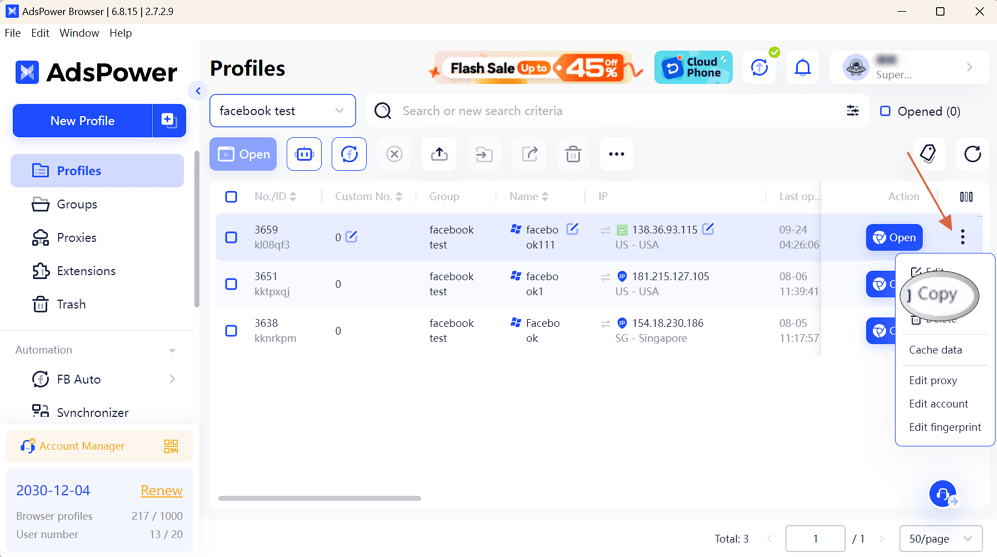
AdsPower is known for its wide range of features, making it a solid choice for managing multiple accounts:
- Multi-account Management: AdsPower lets you handle numerous accounts with unique browser fingerprinting protection, ensuring they remain undetected.
- Automation: Automate repetitive browsing tasks, which saves time and effort.
- Proxy Support: It comes with built-in proxy support to keep your IP hidden.
- Team Collaboration: Allows easy collaboration with your team.
Also, AdsPower has a user-friendly interface and offers a free plan, making it accessible for beginners. Its paid plans start at $9.50 per month.
Users on platforms like Product Hunt and Trustpilot have praised AdsPower for its security and affordability, highlighting it as a reliable option for e-commerce and affiliate marketing.
Best for: Beginners and small e-commerce teams who want automation without a big budget.
2. GoLogin
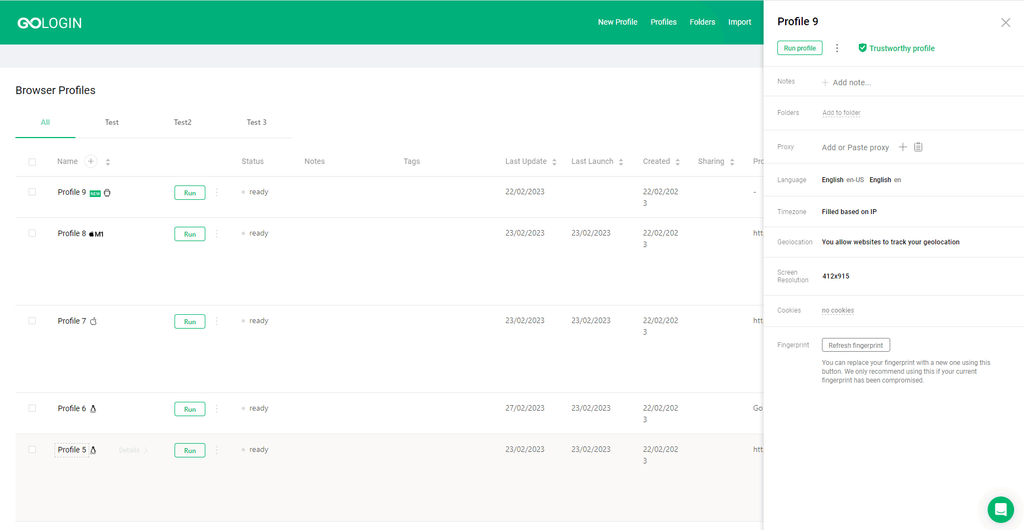
GoLogin excels in profile management tools with robust cross-device compatibility:
- Profile Management: Create and manage multiple browser profiles with unique digital fingerprint masking.
- Fingerprint Protection: Ensures your digital fingerprints are unique and undetectable.
- Proxy Integration: Supports various proxy types to keep your activities anonymous.
- Cross-Platform Compatibility: Available on Windows, macOS, Linux, and mobile.
Also, GoLogin is easy to use, with a minimalistic interface that simplifies navigation. Pricing starts at $24 per month.
User reviews frequently mention its safety, security, and user-friendly design, though some note that it can be slow at times.
Best for: Users who need to access profiles across desktop and mobile devices.
3. 1browser
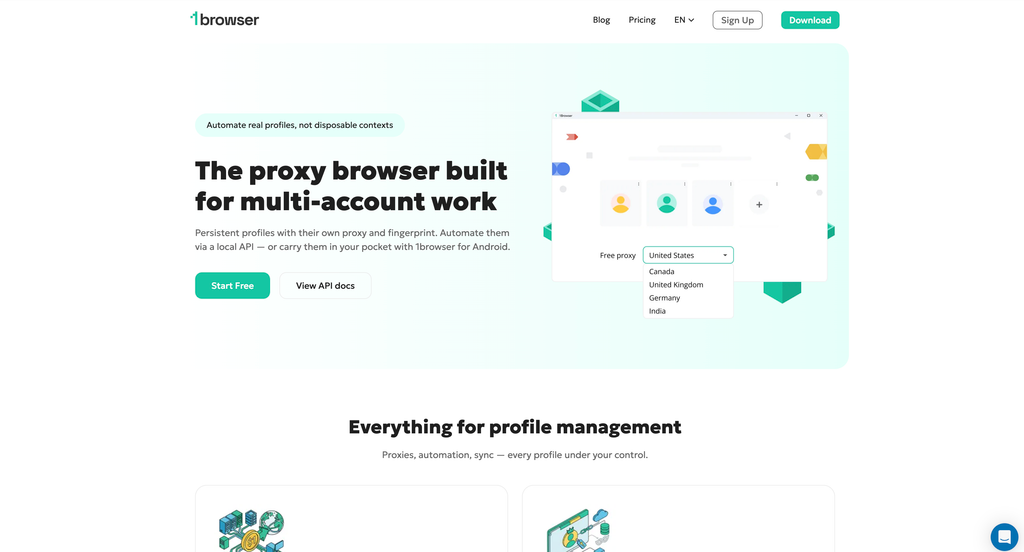
1browser stands out as an affordable all-in-one solution with built-in proxies:
- Profile Management: Create multiple isolated browser profiles, each with its own fingerprint, cookies, and storage, backed by cloud profile storage.
- Fingerprint Protection: Advanced protection for canvas, WebGL, audio, fonts, timezone, and WebRTC keeps every profile unique.
- Built-in Proxies: Includes a global proxy network across 100+ countries with city-level locations, plus free and residential proxies, so there’s no need to buy them separately.
- Cross-Platform Compatibility: Available on Windows, macOS, and Linux, with API support for automation.
Also, 1browser looks and works just like Google Chrome, so there’s practically no learning curve. It offers 10 free profiles, and paid plans start at just $7 per month.
User reviews frequently praise its privacy features, generous free plan, and 24/7 live support, though some note that it’s still a newer player compared to long-established competitors.
Best for: Budget-conscious users who want proxies and profiles in one place without juggling separate providers.
4. Multilogin
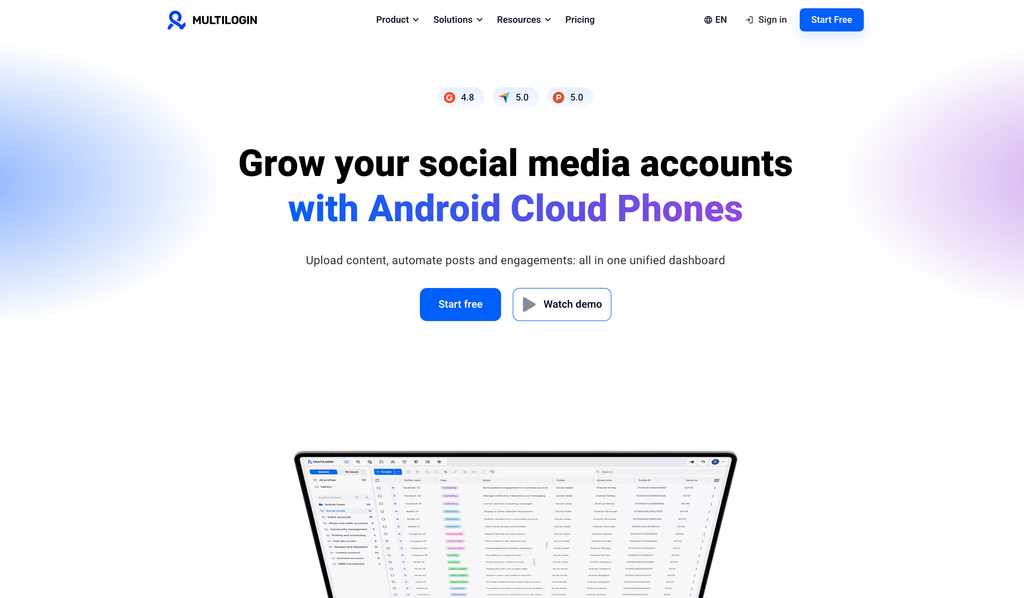
For professionals demanding enterprise-level anti-fingerprinting technology, Multilogin stands out as a top choice. Here’s why:
- Advanced Fingerprinting: Offers superior fingerprinting protection to prevent detection.
- Browser Profiles: Manage thousands of browser profiles, each with a unique identity.
- Automation: Sophisticated browser automation tools for complex workflows.
- Integration: Easily integrates with various proxies and other tools.
- Security: Provides top-notch security features to protect your data.
Multilogin is designed for both simplicity and depth, catering to beginners and advanced users alike. It starts at $99 per month, but its advanced features and exceptional security justify the higher price point. Users appreciate Multilogin for its reliability and comprehensive feature set. If you’re comparing tools to better understand analytics and user behavior alongside such platforms, you can also explore this detailed Mixpanel review.
Best for: Agencies, enterprises, and professionals running high-value accounts at scale.
Quick Comparison Table
| Feature | AdsPower | 1browser | GoLogin | Multilogin |
|---|---|---|---|---|
| Starting price | $9.50/month | $7/month | $24/month | $99/month |
| Free plan | Yes | Yes (10 profiles) | Yes | No |
| Built-in proxies | Yes | Yes (100+ countries) | Proxy integration | Proxy integration |
| Automation | Yes | API support | Yes | Advanced |
| Team collaboration | Yes | Limited info | Yes | Yes |
| Best for | Beginners | Budget all-in-one | Cross-device use | Enterprise scale |
How to Choose the Right Antidetect Browser
Before committing to a tool, think through these factors:
- Number of accounts. If you manage a handful of profiles, a free or entry-level plan is enough. If you manage hundreds, prioritize scalability and profile organization.
- Fingerprint quality. Cheap fingerprints can be inconsistent, and inconsistent fingerprints get flagged. For high-value accounts, this matters more than price.
- Proxy needs. Some tools bundle proxies, while others expect you to bring your own. Factor proxy costs into your total budget.
- Automation. If you run repetitive tasks, look for built-in automation or API access.
- Team features. Agencies need role-based access, profile sharing, and activity tracking.
- Support. When an account is at risk, fast support can save you real money.
Frequently Asked Questions
Are antidetect browsers legal?
Yes, antidetect browsers are legal to use. They’re widely used for legitimate purposes like managing client accounts, running ad campaigns, testing websites, and protecting privacy. However, using them to break a platform’s terms of service or commit fraud can lead to account bans or legal consequences.
Do I need proxies with an antidetect browser?
In most cases, yes. A fingerprint hides your device identity, but your IP address can still link your accounts together. Pairing each profile with its own proxy gives you the strongest protection. Tools like 1browser and AdsPower include built-in proxies, while others let you connect your own.
Which antidetect browser is best for beginners?
AdsPower and 1browser are the most beginner-friendly, thanks to free plans and simple interfaces. 1browser in particular works like Google Chrome, so there’s very little to learn.
Which antidetect browser is the most secure?
Multilogin is widely regarded as the most secure option, with enterprise-level fingerprint protection and data security features built for professionals handling high-value accounts.
Can I use an antidetect browser on my phone?
GoLogin offers mobile access, making it the strongest pick for users who need to manage profiles on the go. Most other tools focus on Windows, macOS, and Linux.
Is a free antidetect browser good enough?
For testing or managing a few low-risk accounts, a free plan can work well. For business-critical accounts, a paid plan with stronger fingerprinting, better support, and team features is worth the investment.
Final Thoughts and a Better Solution
While AdsPower and GoLogin offer great features and reliability, there’s a tool that takes things to the next level.
Multilogin provides unmatched security, advanced features, and scalability, making it the best choice for managing multiple online identities.
If you’re looking for a more powerful and secure solution, there’s a better tool out there. Multilogin offers advanced fingerprinting, superior security features, and unparalleled scalability. It’s designed to meet the needs of professionals and businesses alike.
Not sure if it’s the right fit for your workflow? Book a free discovery call with our team. We’ll help you explore the best setup for your business and show you how to maximize your results using tools like Multilogin.